
Fast, reliable garage door and electric gate repair and installation in South Florida — call today, fixed today.
What's Covered on This Page
- Retrofit vs. Full Replacement: What Your Existing Opener Determines
- Same-Day WiFi Opener Installation in Hallandale Beach
- When You Don't Need a Professional Install
- Keeping Remote Access Working During Hurricane Season
- What Drives WiFi Opener Installation Cost
- How fast can you install a WiFi garage door opener in Hallandale Beach?
- What happens when you arrive to install my WiFi garage door opener?
- Can I add WiFi to my current garage door opener instead of replacing it?
- Why does my older Hallandale Beach home need extra work before a WiFi opener install?
- Do I need a new opener after upgrading to a hurricane-rated garage door?
- Should I try to install a WiFi garage door opener myself?
Retrofit vs. Full Replacement: What Your Existing Opener Determines
Sometimes you can add WiFi to an existing opener. Often you cannot. It depends on what's hanging from your garage ceiling right now.
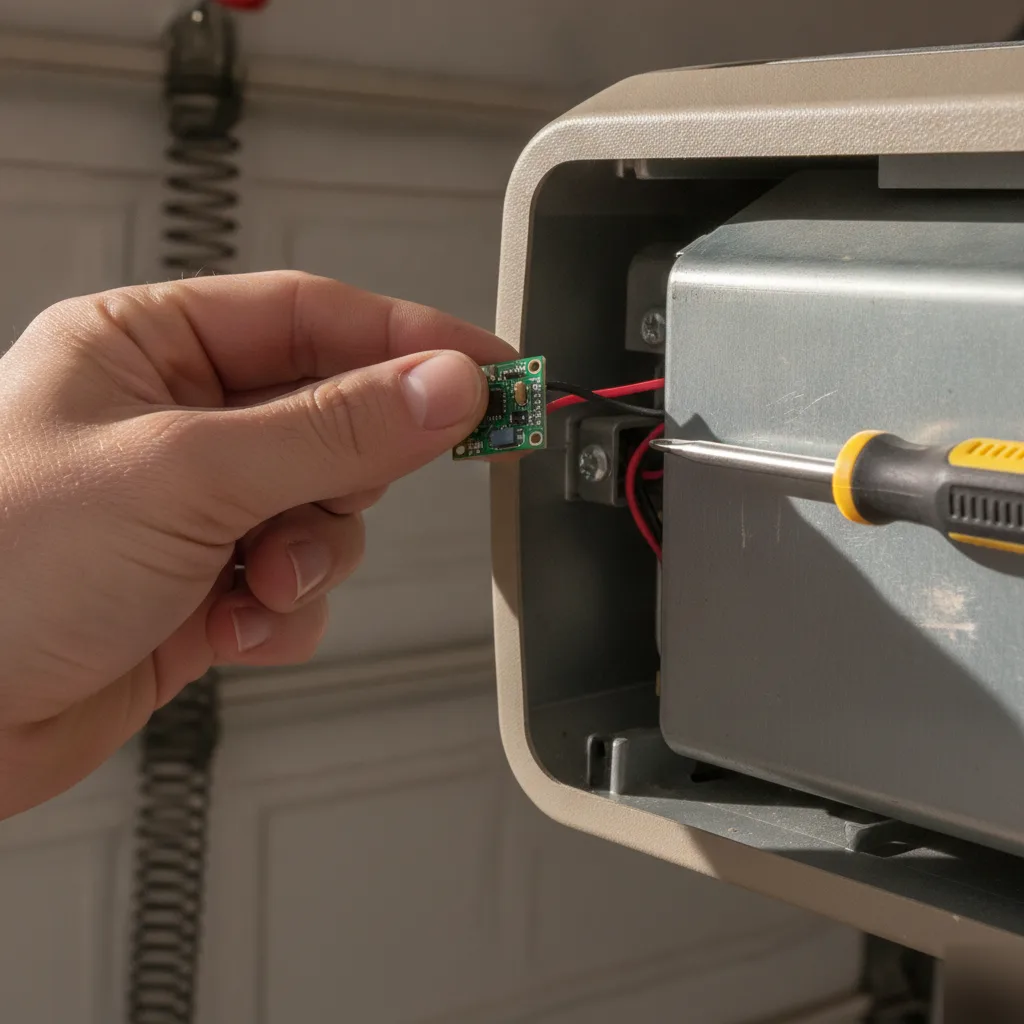
If your opener was made after 2011 and uses a standard Security+ 2.0 or myQ protocol, a retrofit module may work. You keep the motor, the rail, and the drive system. We add a WiFi bridge or adapter that connects to your home network for smartphone control. The install is fast and costs less than a full swap.
Many openers we see in Hallandale Beach condos and older single-family homes along East Hallandale Beach Boulevard are 15 to 20 years old. These include chain drives from the mid-2000s and units with proprietary boards that don't talk to any modern WiFi module. Retrofitting those is not practical. The motor is already near end of life. The safety sensors may not meet current code. You would be bolting smart tech onto something that could fail in a year.
Full replacement makes sense when any of these are true:
- Your opener is more than 12 years old or shows signs of strain like grinding or slow travel speed.
- The circuit board does not support any WiFi adapter from the manufacturer.
- You want features like battery backup or automatic close timers that only come built into newer units.
- The existing rail or drive type does not match the weight of your current door. We often see this after homeowners in Hallandale Beach upgrade to impact-rated hurricane doors without changing the opener.
When someone calls wanting a retrofit, we sometimes recommend a full new unit. This is not an upsell. Once we inspect the setup, the numbers just don't add up the other way. A new opener with WiFi built in gives you a clean warranty, modern safety features, and reliable connectivity from day one.
If your opener is newer and compatible, we will tell you that too. We prefer to do the right install over the bigger one.
Same-Day WiFi Opener Installation in Hallandale Beach
You do not need to wait a week for this. Most jobs we handle in Hallandale Beach get done the same day you call. This is how the work flows when you have done it hundreds of times.
Here is what happens. We show up, inspect your existing setup, and determine what goes where. Hallandale Beach has a big mix of housing stock. There are mid-rise condos along the Intracoastal near Diplomat Parkway with shared parking structures. There are also single-family homes west of US-1 with standard single or double car garages. The approach changes based on what we are working with, but the timeline usually does not.
A straightforward swap takes about two hours. We remove the old unit, mount the new WiFi-enabled opener, run the wiring, and pair it to your phone. We test the door's balance before we even power the opener on. If the springs and tracks are in good shape, we finish before lunch.
Sometimes things are not straightforward. Older homes in Hallandale Beach built in the 1970s and 1980s sometimes have low headroom clearances or outdated wiring. These may need attention first. We will tell you upfront if something needs to be addressed before the opener goes in. No surprises halfway through.
We work with LiftMaster and Chamberlain WiFi-enabled units. Both brands connect directly to your home network. You can open, close, and monitor your garage door opener from anywhere. You get real-time alerts on your phone if the door is left open. That matters in South Florida where afternoon storms roll in fast and you might be stuck at work.
We do not leave until you are comfortable with the app setup. We walk you through pairing, show you how to add family members, and confirm the connection is solid. That last step is the one most people rush through on a DIY install. It is the reason for half our callbacks from other companies.
With over 447 Google reviews and a 4.9-star rating, we have built a reputation on getting things right the first visit. Same-day service means knowing exactly what to do when we arrive.
When You Don't Need a Professional Install
Not every smart opener project needs a professional.
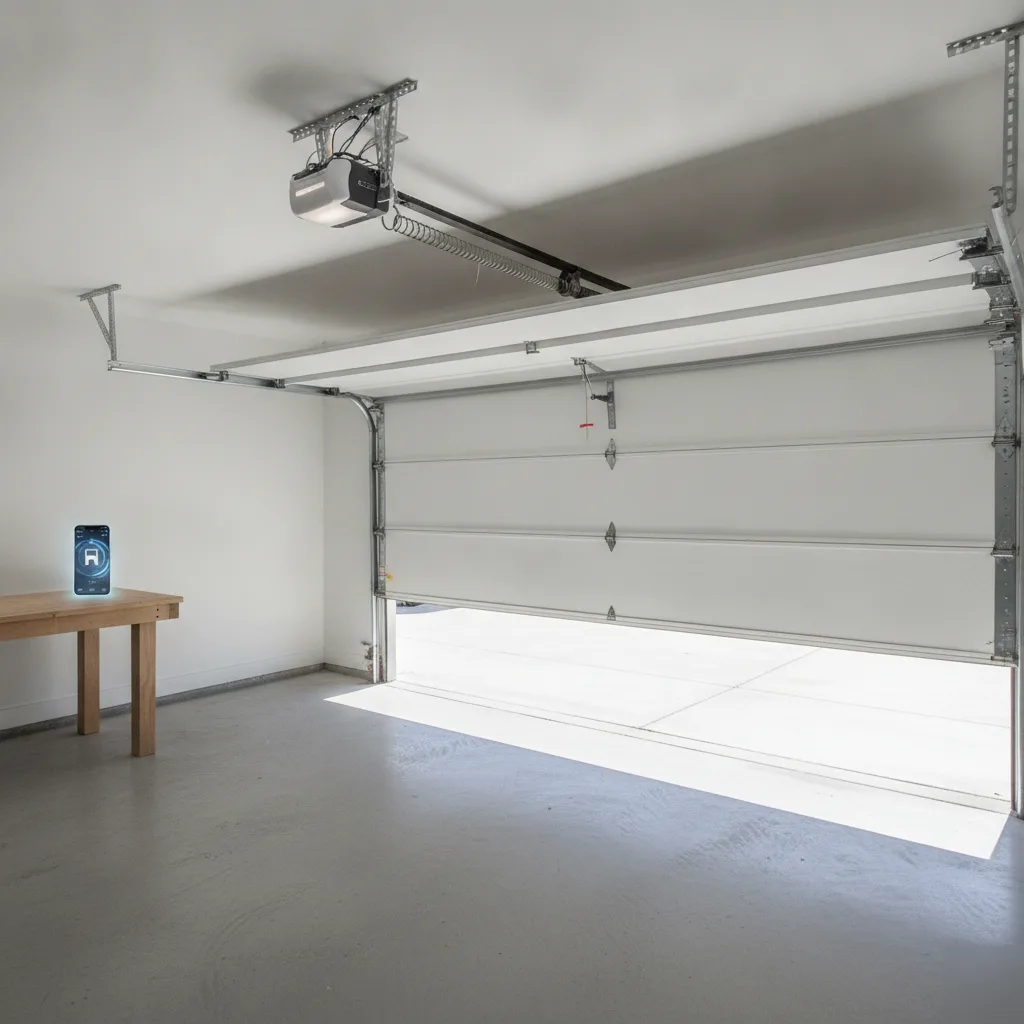
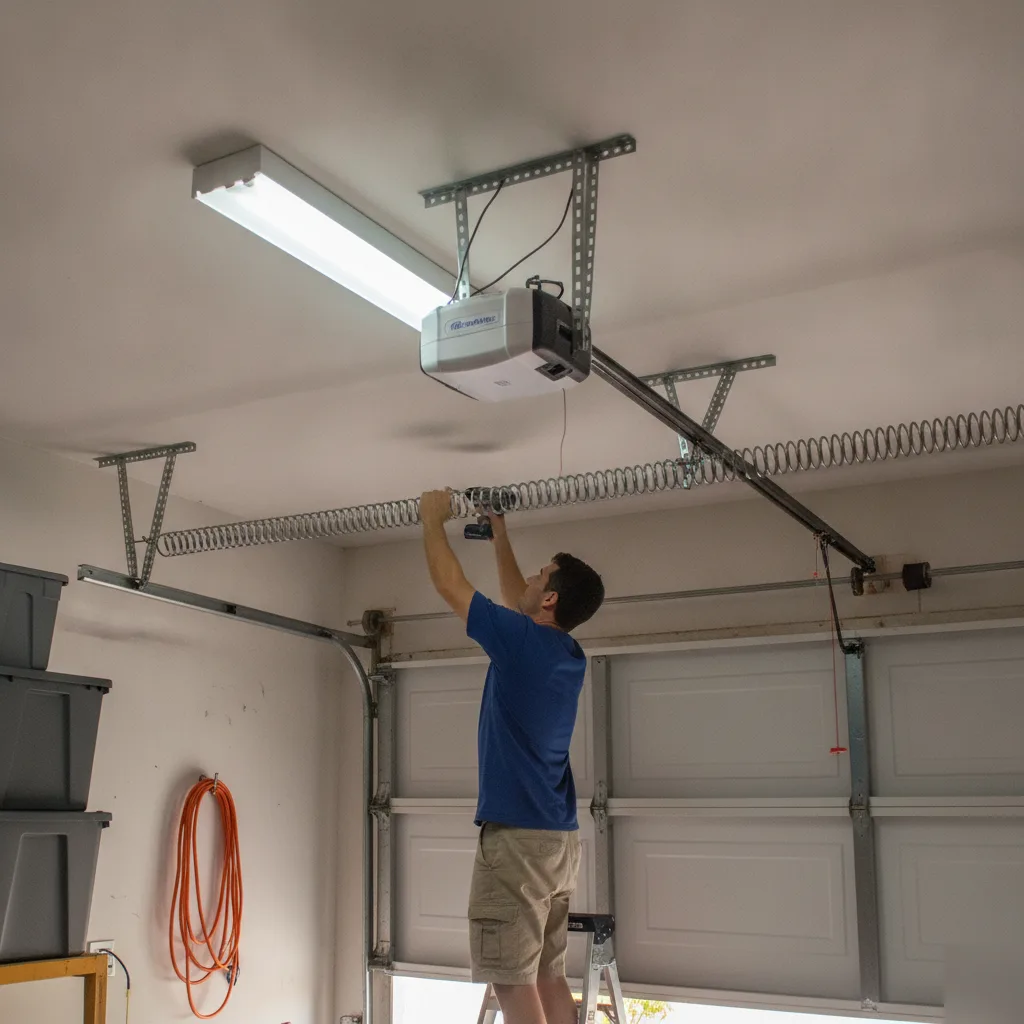
If you already have a working opener mounted to your ceiling and are just swapping it for a newer WiFi model from the same brand, that can be a straightforward job. The rail, bracket, and wiring path are already there. You are basically unbolting one unit and bolting on another. Most LiftMaster and Chamberlain WiFi openers come with clear step-by-step instructions. A confident DIYer with a ladder, a socket set, and a free afternoon can get it done.
The same goes for adding WiFi capability to an existing opener. Some models accept a retrofit module that plugs right in. You download the app, connect to your home network, and control the door from your phone. No new hardware on the ceiling. No rewiring. That is a 20-minute project, not a service call.
Here is where it gets tricky. If your current opener runs on a different rail system than the new unit, you will need to swap the entire track assembly. That means re-aligning the rail to the header bracket above the door. This means adjusting travel limits and setting the force sensitivity so the safety reverse works correctly. If you miss that last part, the door will not comply with federal UL 325 safety standards. That is where DIY installs go sideways.
You should also skip the DIY route if your door is heavier than a standard single-car panel. Many homes along Hallandale Beach Boulevard and in Golden Isles have oversized or insulated double doors built for hurricane resistance. Those doors need an opener rated for the weight. The spring tension has to match perfectly. Getting that wrong puts stress on the opener motor from day one and shortens its life fast.
If you do not have an existing opener at all, a first-time installation involves ceiling-mounting the power unit, installing the rail, wiring the wall console, programming the safety sensors, and running the WiFi setup. That is a full job. A simple swap on matching hardware is something you can probably handle yourself.
Not sure what your WiFi Garage Door Opener Installation project needs? Ask us.
Call Today For A Free Estimate. On Time Garage Door Repair is ready to help.
Keeping Remote Access Working During Hurricane Season
Hurricane season runs June through November. That is half the year. In Hallandale Beach, properties sit just a few miles from the coast. Strong wind gusts and power outages are expected. Your WiFi garage door opener can keep working through most storms if you plan ahead.
The biggest threat is losing power and internet at the same time. When both go down, your phone app cannot reach the opener, your schedules stop running, and you are stuck using the manual release cord. That is fine for a short outage. But a three-day blackout after a tropical system gets old fast.
A battery backup unit is the best investment you can make. LiftMaster and Chamberlain offer models with built-in backup batteries. These keep the opener running for hours after the power cuts. We install these regularly. They give you the ability to open and close the door even when the neighborhood is dark. Pair that with a small uninterruptible power supply on your router. Your WiFi connection stays alive too. Then your phone still controls the door.
Before a storm hits, consider these steps:
- Test the manual release handle so you know it works if you lose all power.
- Make sure your opener's firmware is updated so the app connection is stable.
- Check that your garage door meets Broward County's wind load requirements. A WiFi opener will not help if the door itself fails.
- Confirm your battery backup is charged and functioning.
After a storm passes, we see the same call often. The power came back but the opener will not reconnect to WiFi. Usually it is the router that rebooted to a different channel or the opener lost its saved network credentials. A quick power cycle on both devices usually fixes it. If it does not, a factory reset on the opener's WiFi module and re-pairing through the app takes about five minutes.
Hallandale Beach homes along the A1A corridor and in Golden Isles deal with salt air corrosion on top of storm damage. We recommend inspecting the opener's wiring connections and sensor eyes after any major weather event. Corroded terminals cause intermittent failures that look like app glitches but are hardware problems. Catching that early saves you a bigger repair later.
Smart technology does not have to mean fragile technology. With the right setup and a little prep, your WiFi garage door opener works reliably all season. This is true even when the weather does not cooperate.
What Drives WiFi Opener Installation Cost
This is the question we hear most. The honest answer: it depends on a few real factors. Every garage in Hallandale Beach is a little different, and the total cost reflects that.
The opener unit itself is the biggest variable. A basic WiFi-enabled chain drive costs less than a belt drive with a battery backup and integrated camera. LiftMaster's smart openers, for example, range across several tiers depending on features like built-in LED lighting, automatic lock, or myQ camera compatibility. The more the unit does out of the box, the higher the price tag.
Then there is the existing setup. If your garage already has proper wiring, a reinforced header bracket, and a centered mount point, the swap is straightforward. Older homes along Hallandale Beach Boulevard and the Golden Isles area often have single-piece tilt-up doors or outdated wiring. This needs updating before a smart opener can go in. That prep work adds labor time.
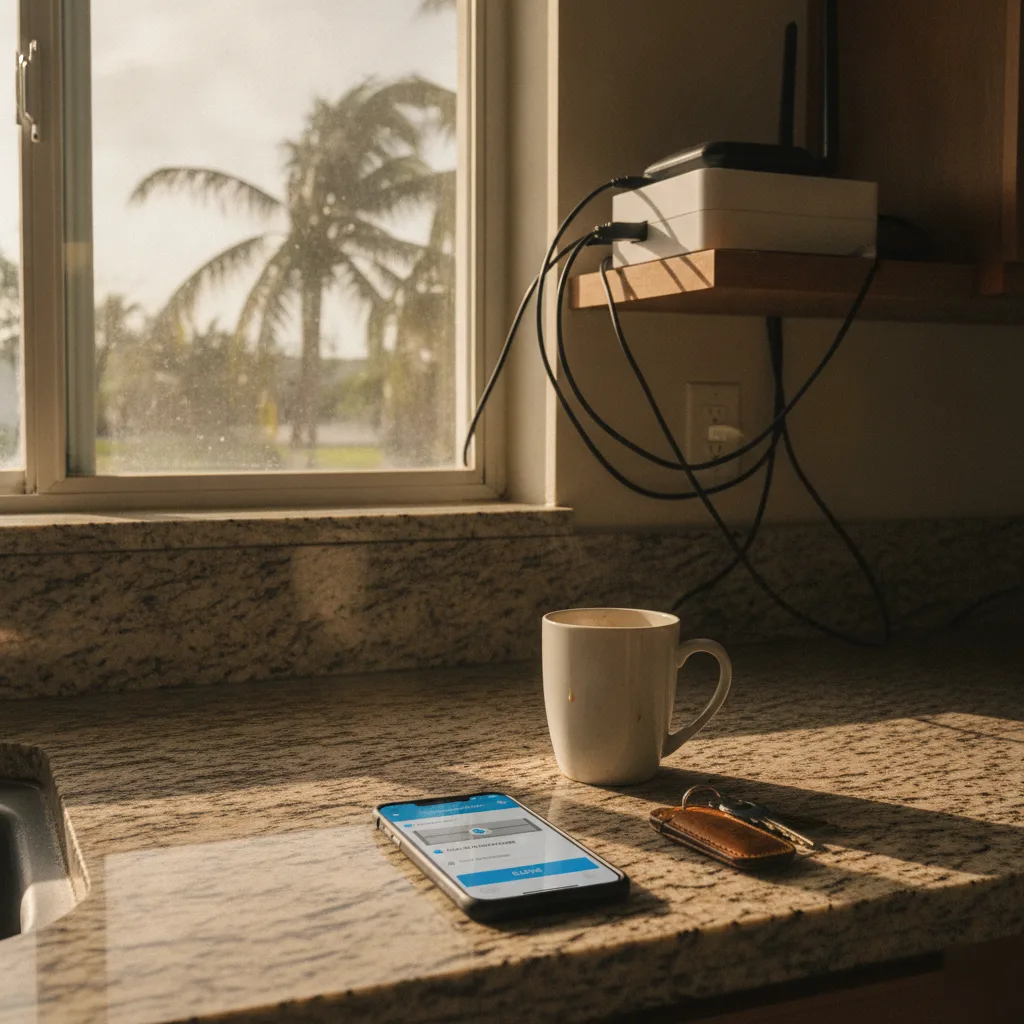
Here is what most people do not think about: WiFi signal strength at the garage. Some installs need a range extender or a hardwired ethernet connection to the opener's hub. If your router sits on the opposite end of the house, we may need to address connectivity so the app works when you are away. That is a small cost but it matters.
Industry-wide, most homeowners can expect the total project to fall somewhere between the cost of a standard opener replacement and roughly double that for a high-feature smart unit with electrical modifications. According to HomeAdvisor, the national average for garage door opener installation runs between $220 and $550 for labor alone, with the unit adding another $150 to $500 or more depending on brand and features.
Before you book with anyone, ask these questions. Is the quote all-in or does it separate parts and labor? Does the price include programming remotes and connecting the app? Will they test the safety sensors and force settings after install? A good installer covers all of that. A bad one leaves you on hold with tech support at 9 p.m.
We give upfront pricing before any work starts. No surprises on the invoice. That is a big reason we have earned a 4.9-star rating across over 447 Google reviews.
Frequently Asked Questions
Common questions about WiFi Garage Door Opener Installation
How fast can you install a WiFi garage door opener in Hallandale Beach?
Most installs are done the same day you call. A straightforward swap takes about two hours from removing the old unit to pairing your phone. We inspect your setup first, whether you're in a mid-rise condo near the Intracoastal or a single-family home west of US-1. If springs and tracks are in good shape, we usually finish before lunch. Older homes may need extra time for wiring or clearance issues, but we tell you upfront.
What happens when you arrive to install my WiFi garage door opener?
We start by inspecting your existing opener and garage setup before touching anything. This tells us whether a retrofit module will work or if you need a full replacement. We test the door's balance before powering on the new opener. Once installed, we walk you through the app setup, pairing your phone and adding family members. We don't leave until the WiFi connection is solid, since a rushed pairing step causes most callback issues we see.
Can I add WiFi to my current garage door opener instead of replacing it?
Sometimes, yes. If your opener was made after 2011 and uses a standard Security+ 2.0 or myQ protocol, a retrofit module can add smartphone control without a full swap. You keep your existing motor and rail. This works well for many Hallandale Beach homes with newer units. Older chain-drive openers from the mid-2000s, common in older condos and houses along East Hallandale Beach Boulevard, usually can't support a retrofit.
Why does my older Hallandale Beach home need extra work before a WiFi opener install?
Homes built in the 1970s and 1980s in Hallandale Beach sometimes have low headroom clearance or outdated wiring that needs attention first. We check for this during our initial inspection so there are no surprises halfway through the job. This is a common issue in the area's older housing stock. Addressing it upfront keeps the installation on schedule and helps the new opener work safely for years.
Do I need a new opener after upgrading to a hurricane-rated garage door?
Often, yes, if your current opener wasn't built for the heavier door. Many Hallandale Beach homeowners upgrade to impact-rated hurricane doors without changing the opener, and the mismatch causes strain on the motor. Oversized or insulated double doors common along Hallandale Beach Boulevard and Golden Isles need an opener rated for that added weight. Getting the spring tension and motor rating matched correctly protects your investment and keeps the door running smoothly.
Should I try to install a WiFi garage door opener myself?
It depends on what you're starting with. Swapping a WiFi opener for the same rail and bracket setup can be a manageable DIY project with basic tools. But if your rail system needs replacing, or your door is heavier than a standard single panel, the job gets technical fast. You'll need to set force sensitivity correctly so the safety reverse works, since missing that step means the door won't meet federal UL 325 safety standards.
Ready to Get Started?
Call 9543291361 Today For A Free Estimate.
